
For brokers and customs operations teams
AI Customs Agent for Aviation Document Preparation
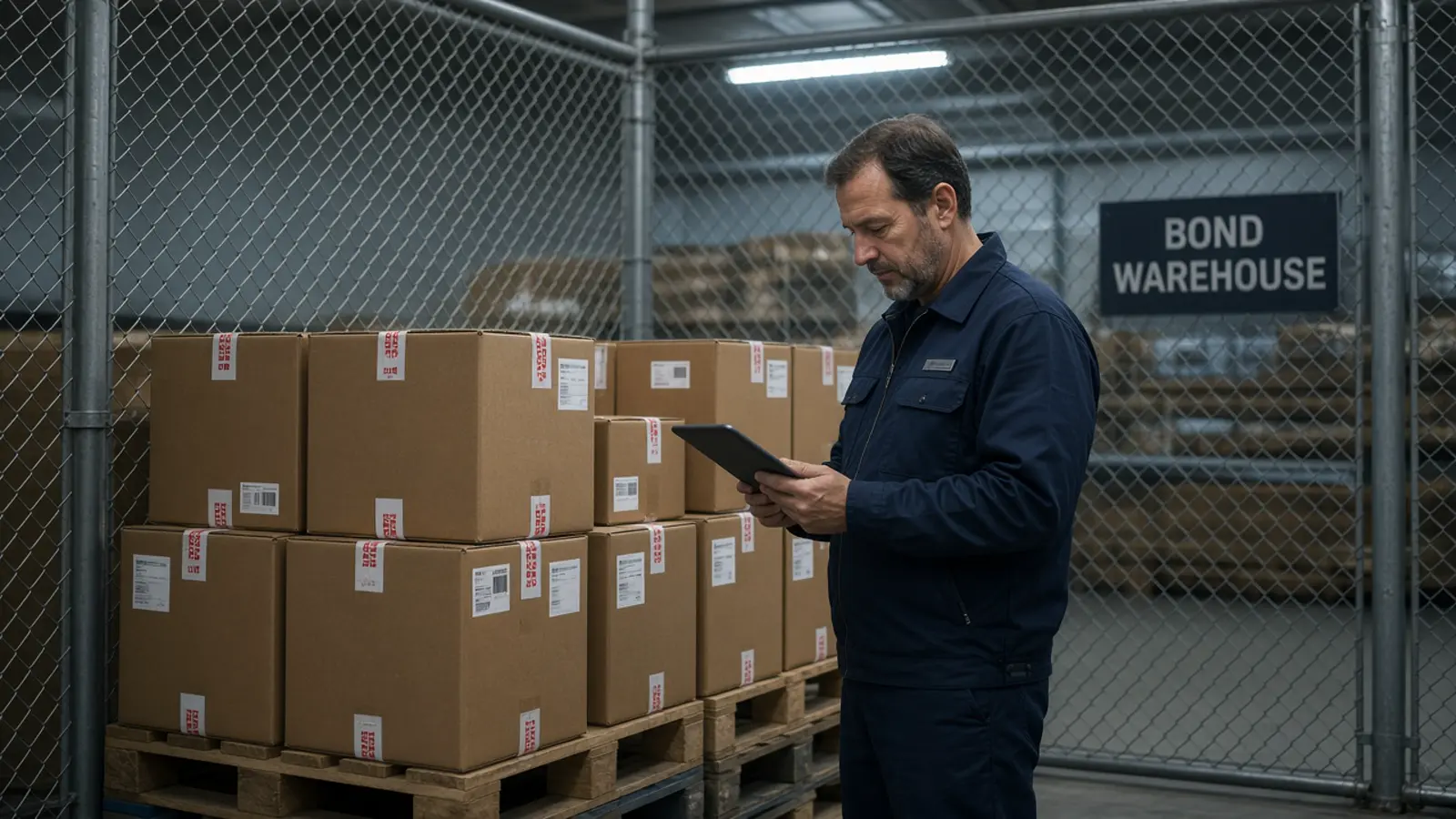
When a broker “automates customs” with a chat agent, the model can silently fix a quantity, the entry is filed, and the certificate still says something else. The wrong automation boundary is filing, not extraction of the Form 1.
This workflow keeps extraction and exception listing on Doana, and accountable decisions in the broker’s system of record. The public tool still only extracts EASA Form 1, not invoices, air waybills, or an FAA-only 8130-3 tag. Filing stays in the broker platform.
Public catalog as of 12 September 2026: extract_easa_form1 only.
Wrong automation boundary
The wrong boundary is asking the agent to file, classify or “correct” shipment facts that are missing from the packet. That failure shows up as invented origin, blended invoice descriptions, or a declaration sent because the chat looked complete. Operators then cannot see what the certificate actually said.
The supported first task is extraction plus a discrepancy list. Ask the agent to extract one EASA Form 1 and show part number, quantity, serial numbers and remarks beside uncertainFields. Compare those rows with shipment records in your own workflow. The public tool processes the certificate only.
Broker review table
Use columns for source document, field path, extracted value, confidence, uncertainFields flag, reviewer decision and corrected value. A worked example, with invented teaching data: source Form 1 tracking DEMO-3, field items.0.box9Quantity, extracted “2”, invoice quantity “1”, decision “hold — quantity conflict.” The extracted “2” stays visible.
Do not let the agent overwrite the extracted cell. If box10SerialNumbers is an array of two values, do not collapse it to one cell that drops a serial. If remarks are in uncertainFields, the reviewer reads the PDF before any HS mapping discussion.
Broker system of record
The broker application remains the place for customer, procedure, surety, and who is allowed to submit. Doana stores an extraction job, not your customs entry. Export reviewed fields only. Keep the original PDF, or a link your DMS already has, with the job_id so later staff can see the evidence. PDF files may be 50 MB and 20 pages; JPEG and PNG may be 20 MB; TIFF is rejected; five files per UTC week.
A release certificate does not supply every fact needed for a declaration. EASA’s Form 1 FAQ is about the certificate’s purpose, not customs evidence completeness. Decisions about the shipment need the appropriate reviewer in the broker platform. Origin and valuation stay human-supplied evidence.
Origin, valuation, and procedure
Treat origin, valuation, and procedure as unresolved unless a supplied document in your packet already states them. The agent must not fill gaps from general knowledge. An extracted part description is not an authoritative tariff classification. A transport-level MCP success is not an accepted extraction result and not a filed entry.
Pilot representative scans, including ambiguous characters. Measure corrected fields, unresolved items and review time. Require an operator to resolve uncertainty before exporting to the system the broker uses to file.