
EASA Form 1 MCP server guide
Extract EASA Form 1 with an AI Agent Using MCP
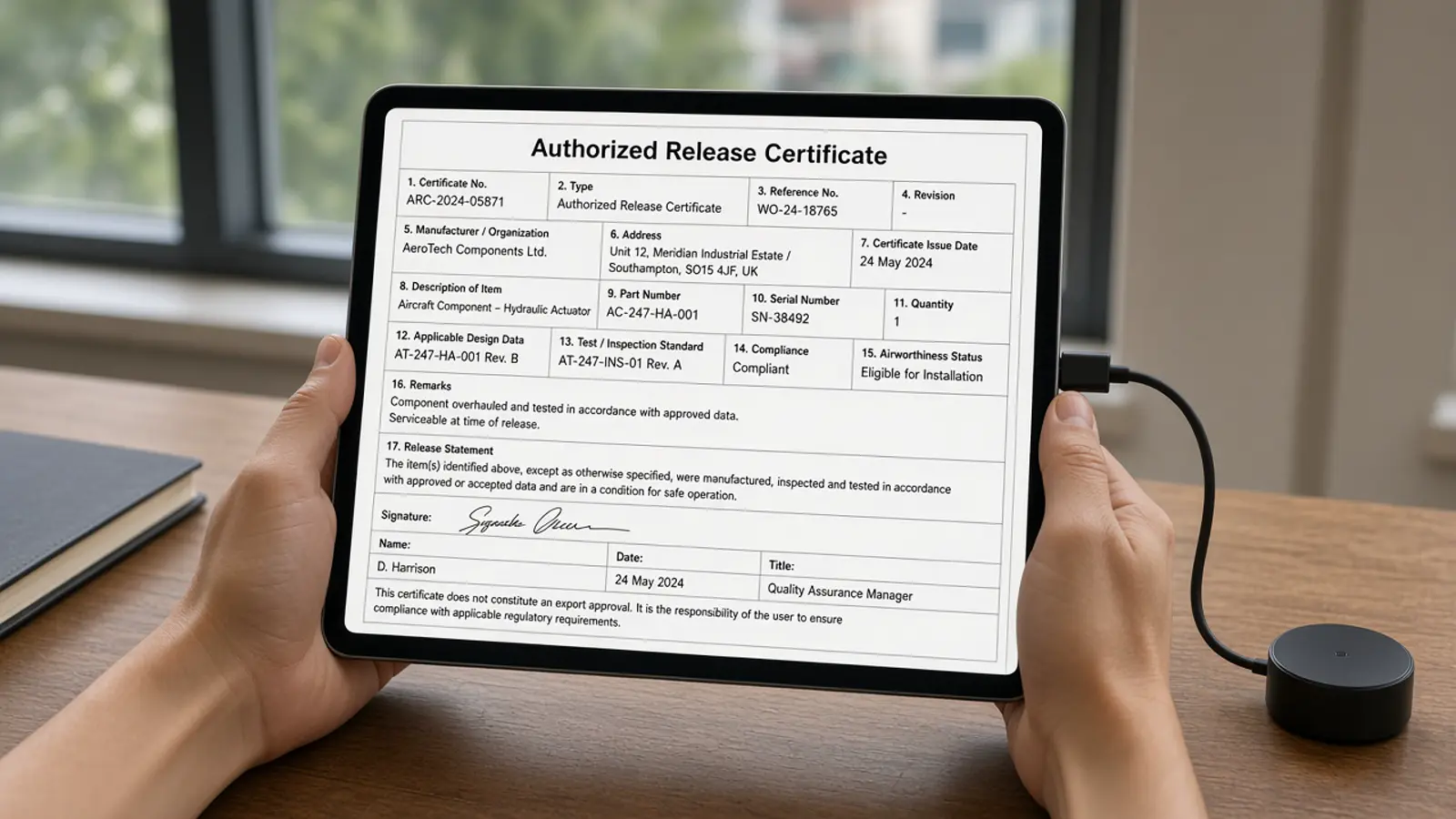
The first structured Form 1 is account, OAuth, one upload, poll until the job settles, then review. Skipping review to “save AOG time” is how bad serials enter inventory.
The sequence is user, AI client, Doana MCP, extract_easa_form1, structured data, then human review. Review uncertainFields before any receiving step.
Public catalog as of 12 September 2026: extract_easa_form1 only.
First extraction
Budget about fifteen minutes when OAuth and a sample PDF are ready: two minutes to add the server, a few minutes for login, then one upload and poll get_extraction_result until status leaves dispatch_pending, queued, running or outcome_unknown. A batch of five files is the whole UTC week on a personal account, so check get_usage first.
The website path /mcp is not the protocol endpoint. Agents that POST JSON to a made-up REST /extract URL will fail. Use tools/call after MCP initialization, and let the client manage OAuth headers and the Streamable HTTP session.
Connect, upload, and call
Create a personal account, add https://doana.ca/api/mcp as Streamable HTTP, complete OAuth, and list tools. Confirm extract_easa_form1 by name. Check get_usage first. Outside ChatGPT, use lossless content_base64 up to 64 KiB or create_mcp_upload then PUT or open browser_upload_url. ChatGPT instead uses the signed file object.
In ChatGPT, attach the Form 1 and pass the signed file object with download_url and file_id. Do not type those fields. Call the tool in the same turn. A local path is not an upload. Arbitrary https URLs are not fetched.
- Connect and complete OAuth; list tools.
- Check get_usage for the UTC week.
- Upload via the client’s supported path.
- Call extract_easa_form1 with exactly one source.
- Store job_id; poll get_extraction_result while status is dispatch_pending, queued, running or outcome_unknown. Import only when succeeded, documentType is easa_form_1 and result is present.
First-certificate prompt
Use this after connecting Doana and selecting an EASA Form 1 you are authorized to process. Your client must supply actual file bytes through a supported upload path. Do not ask the model to invent missing blocks or reconstruct an unknown documentType.
If a job already exists for that file, retrieve it with get_extraction_result instead of extracting again. Include the extraction disclaimer the operator sees, including that confidence is only an estimate.
Extract this EASA Form 1 with Doana. Check my usage first.
Show the returned item rows, part numbers, quantities and serial numbers.
List uncertainFields and preserve values exactly.
If a job already exists, retrieve it instead of starting another.
Include the extraction disclaimer. Do not infer missing values.Expired URLs, TIFF, and quota
DOWNLOAD_URL_EXPIRED: attach the file again and call extract_easa_form1 immediately in the same turn. UNSUPPORTED_FILE_TYPE: TIFF is not accepted; export a PDF, JPEG or PNG. FILE_TOO_LARGE or TOO_MANY_PAGES: do not retry; send a smaller file that contains only the Form 1 pages.
MCP_QUOTA_EXHAUSTED: the weekly quota of five files is used and no paid credits remain. Wait until Monday 00:00 UTC. If documentType is unknown, do not reconstruct a certificate from the chat. INVALID_CONTENT_BASE64 means the string was not standard base64 of the original bytes.
When to stop and review
Import only when status is succeeded, documentType is easa_form_1 and result is present. documentType unknown is usually a succeeded job with no Form 1. On failed_refundable or failed_charged, show lastError. Keep serial numbers as arrays. Do not flatten uncertainFields into a yes-or-no valid flag.
Assisted extraction does not certify authenticity, airworthiness or regulatory compliance. Confidence is an estimate, not a measured accuracy guarantee.