
Custom MCP app setup
Doana for ChatGPT: EASA Form 1 via MCP
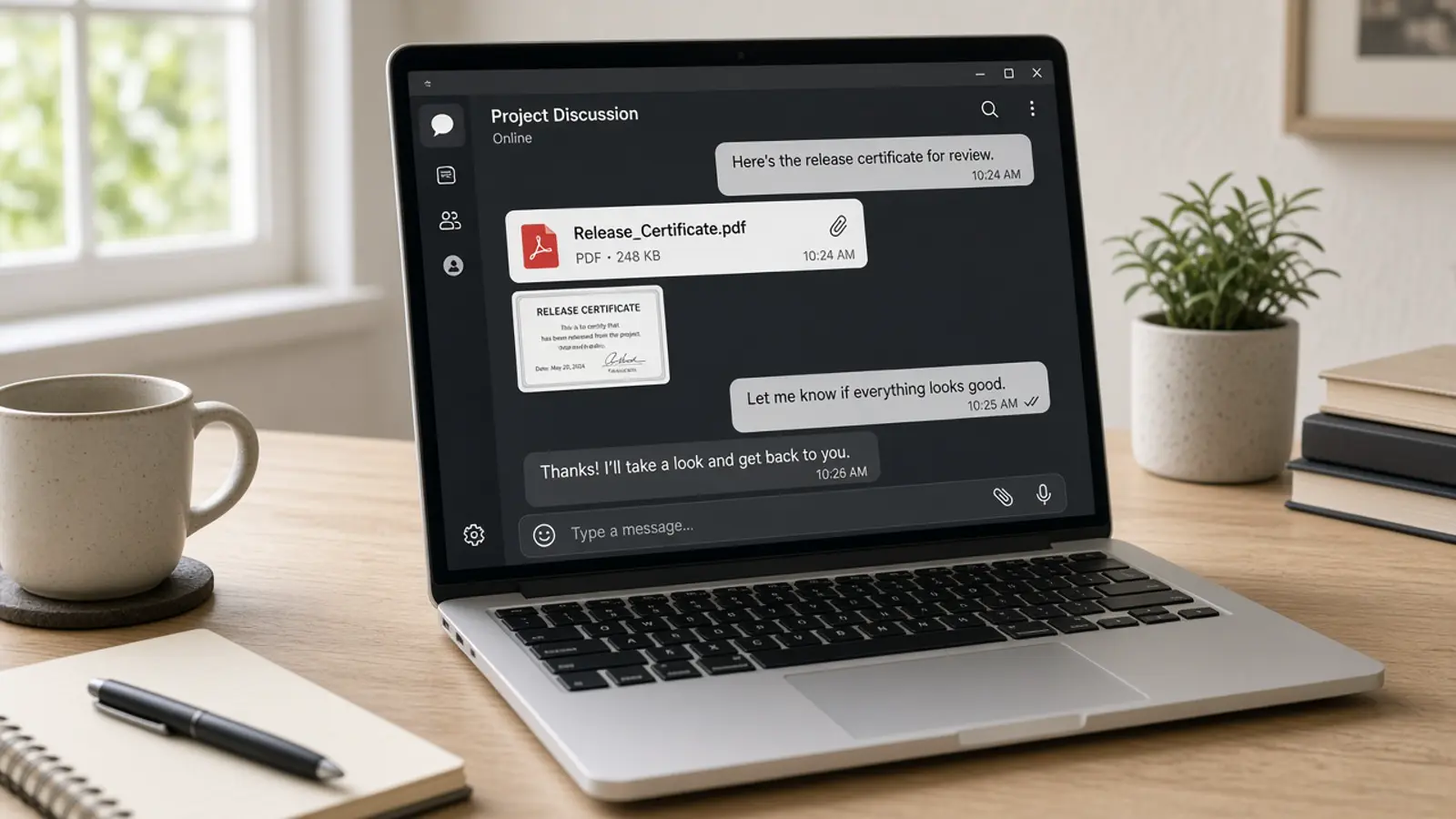
ChatGPT cannot extract an EASA Form 1 just because you pasted the PDF into the thread. Asking the model to “read the PDF” is transcription. Extraction happens only when the custom MCP app calls extract_easa_form1 on Doana.
Developer-mode access, a signed attachment, and a same-turn tool call are the prerequisites. Doana is not a confirmed public plugin listing, and this is not an FAA extraction path.
Public catalog as of 12 September 2026: extract_easa_form1 only.
ChatGPT without Doana is transcription
ChatGPT can describe what it sees on the PDF. That is not Doana extraction. There is no Doana job_id, no easa-form-1-v1 result, and no uncertainFields contract. Treat a chat table as untrusted transcription unless the MCP tool actually ran in that turn.
If no Doana tool ran, say so in the operator UI. Do not label the answer “API result.” The supported document type remains EASA Form 1. FAA 8130-3 reading is a different article and not a Doana FAA extraction tool.
Workspace prerequisites
Follow OpenAI’s current developer-mode and MCP app instructions for your plan. An administrator may control access. Create a Doana account, add https://doana.ca/api/mcp, complete OAuth, and verify extract_easa_form1 is available. Call get_usage before the first Form 1. Five files per personal account per UTC week.
Signed attachments
Doana accepts the ChatGPT-provided file object with download_url and file_id. ChatGPT supplies these values; do not invent them. The implementation restricts downloads to supported signed OpenAI attachment hosts. Attach and call extract_easa_form1 in the same turn so the signed URL remains usable.
INVALID_DOWNLOAD_URL appears if you type a random https link. DOWNLOAD_URL_EXPIRED means attach the file again. FILE_SOURCE_REQUIRED or FILE_PARAM_NOT_OBJECT means the attachment never reached Doana, which happens on some mobile clients; Doana then returns a browser upload link to finish from the browser while signed in.
In-flight jobs and expired URLs
Keep the job identifier. Poll get_extraction_result while status is dispatch_pending, queued, running or outcome_unknown. Do not start another extraction because the first call has not settled. If the attachment URL expires, attach the file again in the same turn. Accept the result only when status is succeeded, documentType is easa_form_1 and result is present.
documentType unknown is usually a succeeded job with no Form 1. On failed_refundable or failed_charged, show lastError. MCP_QUOTA_EXHAUSTED waits for Monday 00:00 UTC. Compare part numbers, serial arrays and remarks with the certificate. Confidence is not proof of correctness or of airworthiness.
ChatGPT cannot file after extraction
ChatGPT cannot submit a customs entry, authorize installation, or turn an 8130-3 into a Doana FAA API result. It should not infer missing origin or valuation. It should not flatten serial arrays. Include the extraction disclaimer when presenting fields to an operator.
For application import rules, use the structured-data article. For the full MCP sequence including browser upload, use the EASA Form 1 MCP walkthrough.