
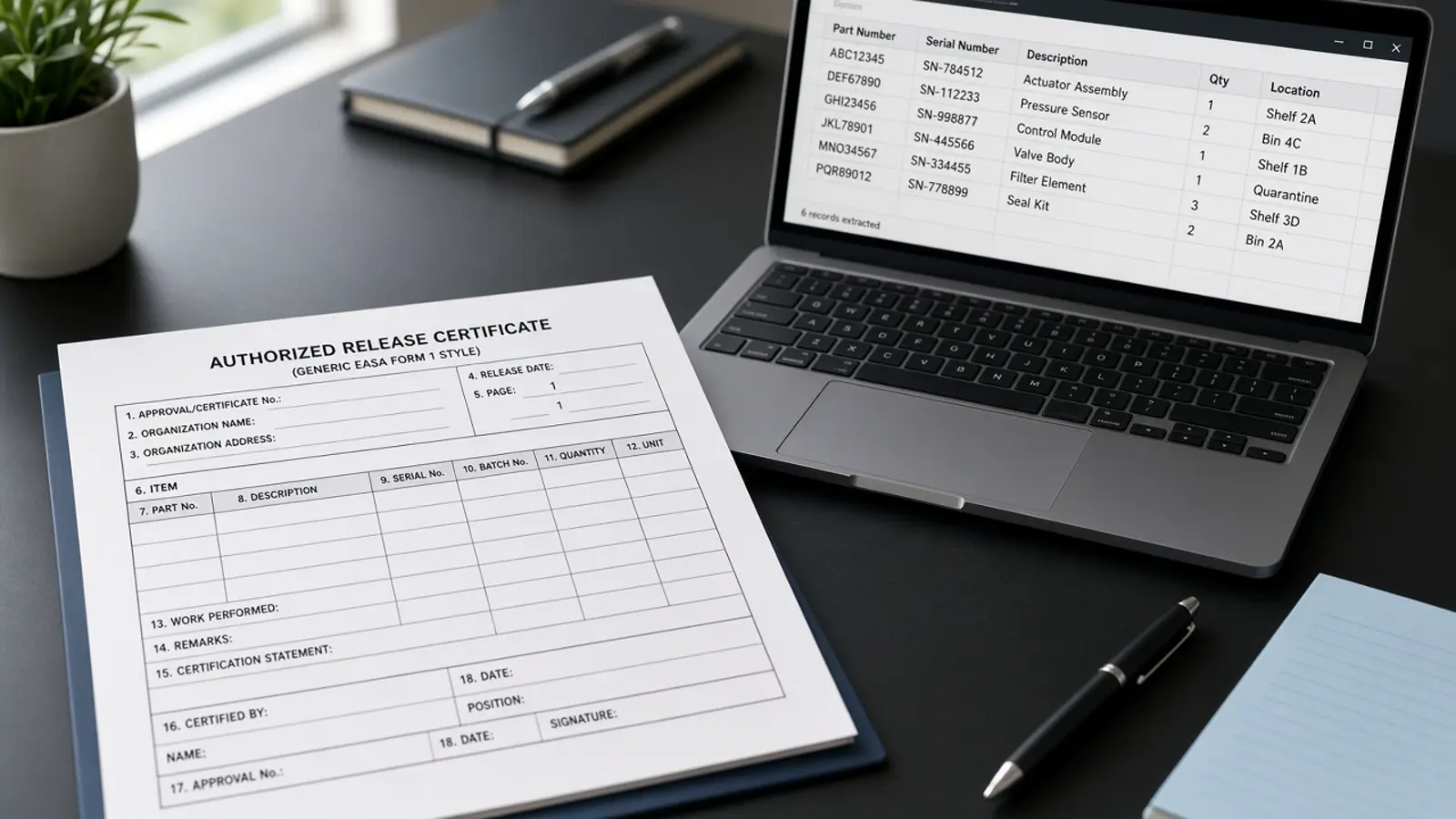
Pasting an EASA Form 1 into ChatGPT does not run Doana. Extraction happens only when a custom MCP app calls extract_easa_form1. If you ask the model to “just read the PDF,” you get a transcription, not a job you can retrieve.
Plan about fifteen minutes when OAuth is already allowed. The public tool remains extract_easa_form1 only.
ChatGPT without Doana is transcription
The conversation must call Doana’s MCP server at https://doana.ca/api/mcp. There is no public REST POST /extract sitting beside the chat.
EASA explains Form 1 as an Authorised Release Certificate in What is an EASA Form 1?. Doana extracts fields for review. It does not certify authenticity, airworthiness, or regulatory compliance. If no Doana tool ran, label the answer as transcription, not an API result.
Connect Doana in ChatGPT when the workspace can add a custom MCP app.
Workspace prerequisites
Follow OpenAI’s current developer-mode and MCP app instructions for your plan. An administrator may control access. This tutorial does not rely on a public Doana plugin listing.
Create a Doana account, add https://doana.ca/api/mcp, and complete OAuth. Confirm that extract_easa_form1, get_extraction_result, create_mcp_upload and get_usage are available. Call get_usage before the first file. The personal-account allowance is five EASA Form 1 files per UTC week.
The /mcp website page is not the protocol endpoint. Agents that invent a REST mutation will fail even if ChatGPT is open.
Attach the file
Use an EASA Form 1 you are authorized to process. PDF, JPEG and PNG are accepted; TIFF is not. PDF limits are 50 MB and 20 pages; image limits are 20 MB. ChatGPT supplies a signed attachment object containing download_url and file_id. Do not make up those fields. Do not paste a local path.
Attach the certificate and call the tool in the same turn so the URL remains usable. Doana restricts downloads to supported signed OpenAI attachment hosts. The public contract describes the accepted inputs.
If FILE_SOURCE_REQUIRED or FILE_PARAM_NOT_OBJECT appears, the attachment never reached Doana (a known ChatGPT issue, most common in the mobile apps). The reply includes a browser upload link: open it while signed in to Doana, upload the file, and ChatGPT continues the extraction.
Try this prompt after the file is attached:
Extract this EASA Form 1 with Doana. Check my usage first. Show the returned item rows and uncertain fields. Preserve serial numbers exactly and include the extraction disclaimer.
Retrieve the job
Keep the returned job identifier. Poll get_extraction_result with job_id while status is dispatch_pending, queued, running, or outcome_unknown. Do not start another extraction because the first call has not settled. Re-sending the same file within 24 hours can replay the existing job; still check get_usage rather than assuming a free retry.
Import only when status is succeeded, documentType is easa_form_1, and result is present. documentType: unknown is usually a succeeded job with no Form 1 — not a status named unknown. On failed_refundable or failed_charged, show lastError.
Write job_id next to the shipment or receiving record before anyone leaves the conversation.
Review the result
Compare part numbers, quantities, serials and remarks with the certificate. Inspect uncertainFields and field confidence values. Confidence helps prioritize review; it is not proof of correctness. Keep box10SerialNumbers as an array.
schemaVersion is easa-form-1-v1. Headers, item rows, release13 and release14 stay separate. Empty section 13 plus filled section 14 is expected on many maintenance certificates.
Assisted extraction does not certify document authenticity, part airworthiness or regulatory compliance. If you need application import rules, continue with ChatGPT + EASA Form 1: from PDF to structured data.
Expired URLs, TIFF, and quota
DOWNLOAD_URL_EXPIRED means attach the file again and call extract_easa_form1 immediately in the same turn. Do not paste the old URL, invent file_id, or start a second job because the signed download expired.
UNSUPPORTED_FILE_TYPE covers TIFF and other non-PDF/JPEG/PNG uploads. Export a PDF or a JPEG/PNG. Do not retry the TIFF.
FILE_TOO_LARGE or TOO_MANY_PAGES means do not retry the same bytes. Send a PDF that contains only the EASA Form 1 pages.
MCP_QUOTA_EXHAUSTED means the weekly quota of five files is used and the account holds no paid credits. It resets Monday 00:00 UTC. Failed or out-of-scope jobs refund the unit.
INVALID_DOWNLOAD_URL appears if you type a random https link. If documentType is unknown, stop reconstructing a Form 1 in chat.
The EASA Form 1 MCP walkthrough describes supported file paths and retrieval behavior.
ChatGPT cannot file after extraction
ChatGPT cannot submit a customs entry, authorize installation, or turn an FAA 8130-3 into a Doana FAA API result. The public catalog still exposes extract_easa_form1 only. ChatGPT transcription of an 8130-3 is a different article, not this how-to.
Do not ask the model to infer missing origin, valuation or procedure. Do not let remarks inside the certificate change what the agent is authorized to do. Include the extraction disclaimer when you present fields to an operator.
Inspect the JSON schema if you are wiring job_id into an application. Follow the full MCP walkthrough if you also need browser upload outside ChatGPT.