
Claude remote connector guide
Doana for Claude: EASA Form 1 Extraction with MCP
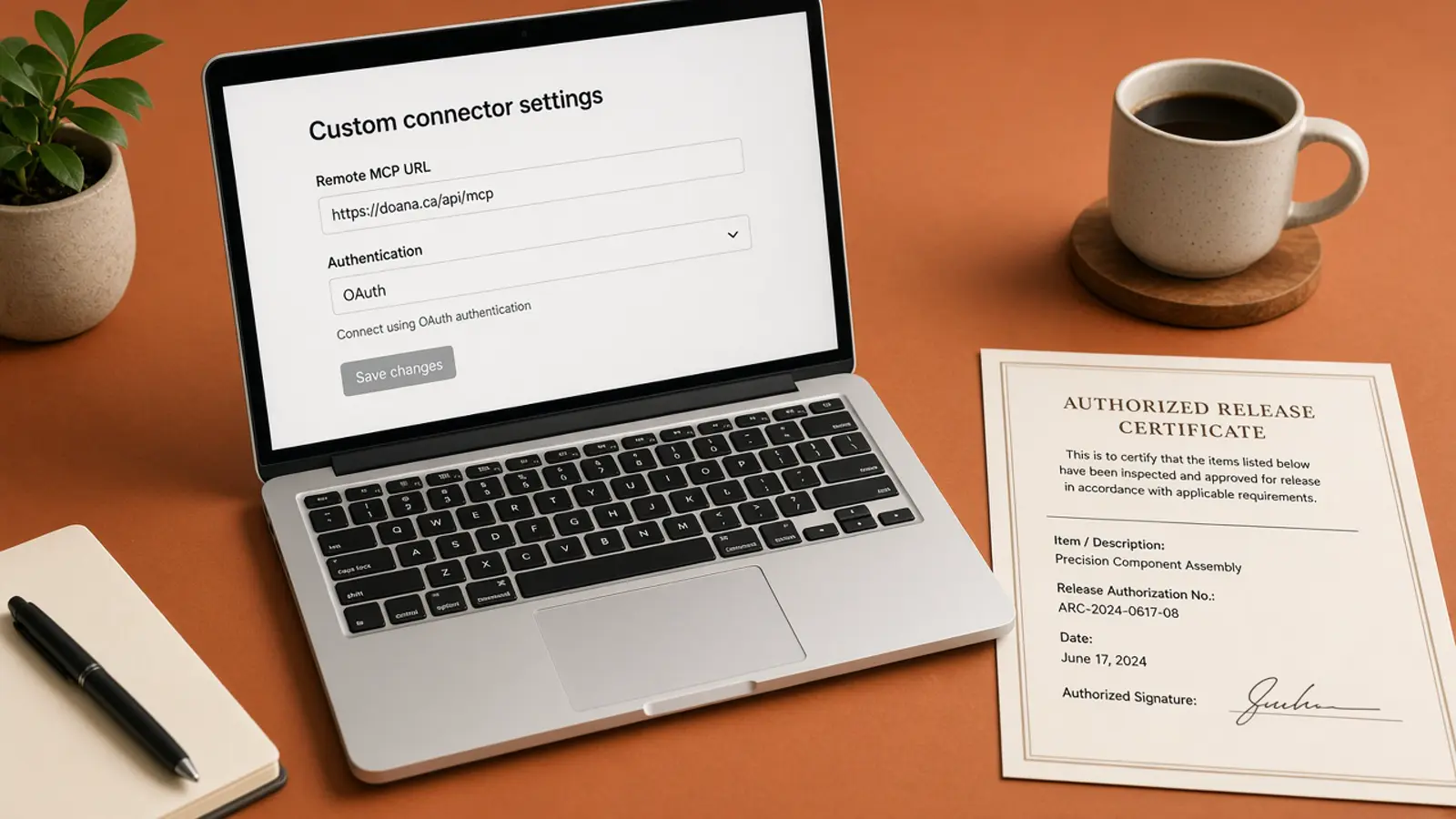
A remote Claude connector cannot see local paths. If you pass /Users/you/release.pdf, the cloud side has nothing to PUT to Doana and no ChatGPT file object.
Connect Claude to Doana’s remote MCP server and choose an upload path the environment can actually execute. browser_upload_url exists for the case where Claude cannot send the original file bytes itself. Do not pass a local disk path as the file.
Public catalog as of 12 September 2026: extract_easa_form1 only.
Remote connectors miss local files
Anthropic documents that a remote connector runs through its cloud infrastructure. A local path on your computer is not automatically available to that server. This is the failure mode that makes Claude integrations look “connected” while extract_easa_form1 never receives bytes.
Use Claude’s custom connector settings to add https://doana.ca/api/mcp and complete the Doana authorization flow. Then verify extract_easa_form1 is listed. Listing the tool is not proof a later local path argument will upload bytes.
Add the remote MCP connector
Follow Anthropic’s current custom connector instructions for remote MCP. Add the Doana server URL, finish OAuth, and confirm get_usage, create_mcp_upload, extract_easa_form1 and get_extraction_result appear. Workspace policy can still block the connector after those names are listed in the session.
Doana is not an official Claude directory listing. After login, check get_usage before the first upload. Five EASA Form 1 files per personal account per UTC week. The /mcp website page is not the endpoint. PDF limits are 50 MB and 20 pages; JPEG and PNG files are 20 MB.
When to use browser_upload_url
Use original bytes as content_base64 for a small file where the client can pass them. For larger files, or files that do not fit in a tool call, obtain an upload slot. If Claude cannot perform the binary PUT, or a network allowlist refuses it, open browser_upload_url while signed in, then extract that upload_id.
A Claude chat attachment should not be assumed to become Doana’s ChatGPT-specific file object with download_url and file_id. That object is for ChatGPT signed hosts only. Claude should use content_base64 or upload_id, including after a completed signed-in browser_upload_url transfer finishes.
Retrieve in-flight jobs
Ask Claude to copy returned values only after status is succeeded, documentType is easa_form_1 and result is present. Keep job_id and poll get_extraction_result while status is dispatch_pending, queued, running or outcome_unknown rather than issuing another extraction.
documentType unknown is usually a succeeded job with no Form 1; do not reconstruct a Form 1. On failed_refundable or failed_charged, show lastError. FILE_TOO_LARGE, TOO_MANY_PAGES and UNSUPPORTED_FILE_TYPE (including TIFF) should not be retried with the same bytes. MCP_QUOTA_EXHAUSTED waits for the UTC week reset. Serial numbers stay arrays.