
One server, client-specific setup
Connect Doana to Your AI Agent
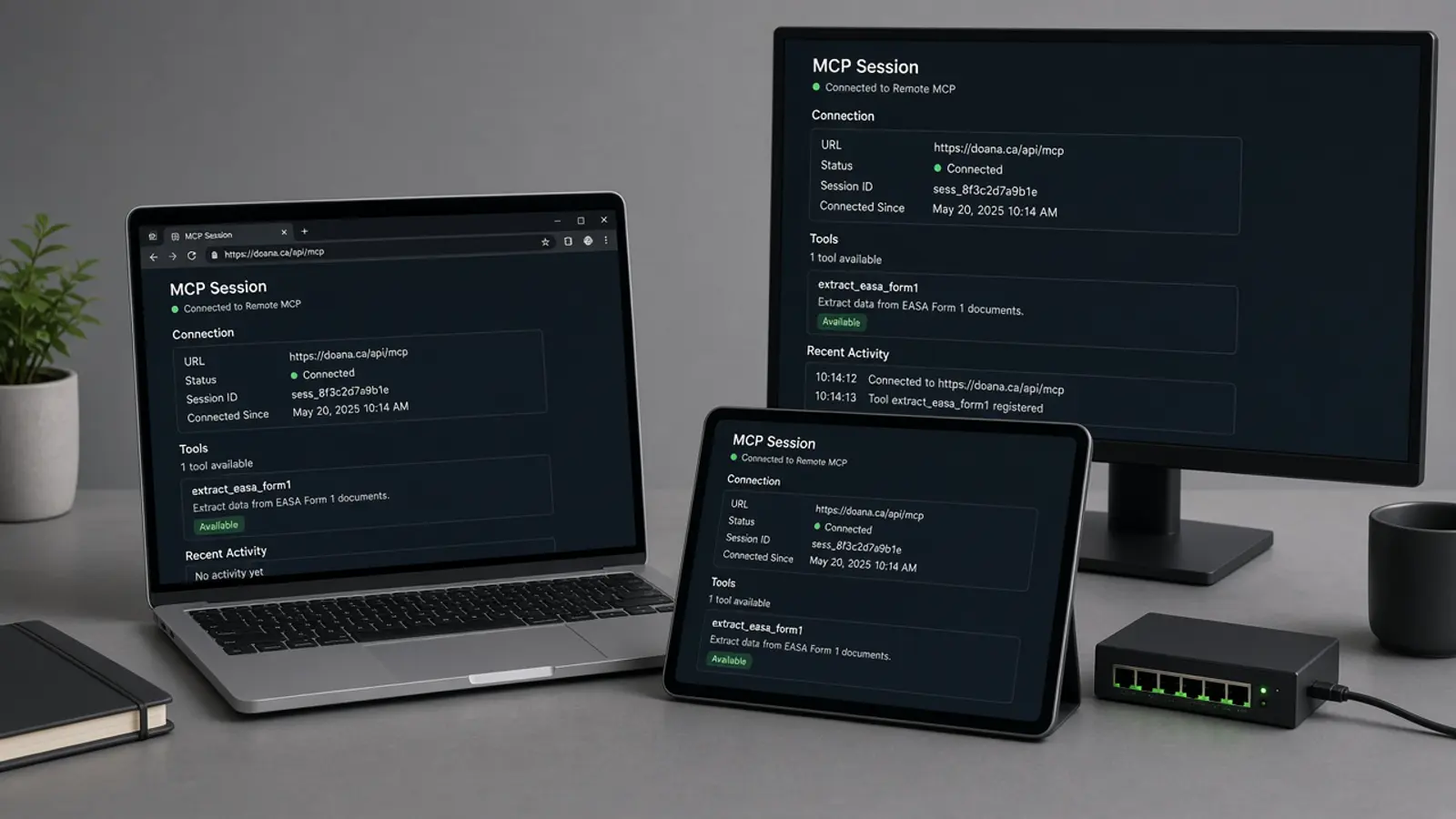
Connect the client your operators already open — but only if that client can complete OAuth and put file bytes on the wire. Protocol support without an upload path is a dead integration, not a Doana listing.
Use https://doana.ca/api/mcp with Streamable HTTP. File handling differs: ChatGPT signed attachments, Claude’s cloud connector, and Codex local bytes. The three child guides below are not interchangeable checklists for the same upload path or the same failure codes.
Public catalog as of 12 September 2026: extract_easa_form1 only.
Pick the client that will attach a Form 1
Connect the client that will actually attach a Form 1 this week. If that is ChatGPT, you need administrator permission for a custom MCP app. If it is Claude, you need a remote connector and a plan for bytes the cloud cannot read from disk. If it is Codex, you need the CLI commands.
Cursor also documents remote MCP. The same server URL applies. This index focuses on ChatGPT, Claude and Codex because those are the three full child guides. Protocol support alone is not an official directory listing or a certified partnership with Doana.
ChatGPT signed attachments
ChatGPT supplies a signed attachment object with download_url and file_id. Doana restricts downloads to supported signed OpenAI attachment hosts. Attach and call extract_easa_form1 in the same turn so the URL remains usable. Do not paste a local path. If the attachment does not reach Doana (FILE_SOURCE_REQUIRED, or FILE_PARAM_NOT_OBJECT on some mobile clients), Doana returns a browser upload link; upload the file there while signed in, then the extraction continues.
OpenAI documents developer mode and workspace controls. This is not a claim that Doana is a public plugin listing. If the workspace can add a custom MCP app, connect Doana next using the ChatGPT child guide on this site.
Claude cannot read a local path
Anthropic documents that a remote connector runs through its cloud infrastructure. A path like /Users/you/form1.pdf on your laptop is not automatically available to that server. Treat a chat attachment as something you must still place on a Doana upload path: content_base64 for a small file, or create_mcp_upload.
If Claude cannot HTTP PUT, open browser_upload_url while signed in to Doana, then ask Claude to extract that upload_id.
Codex CLI registration
In a Codex CLI environment with MCP support, add the server, log in, and list connections. Registration options depend on your client version. Consult current Codex documentation if login needs extra authorization-server settings beyond those three starting commands shown below.
Then send original file bytes. Codex can often PUT to upload_url. If the network allowlist blocks the PUT, use browser_upload_url. Codex still cannot clear a shipment or file customs; it can only call the listed Doana tools.
codex mcp add doana --url https://doana.ca/api/mcp
codex mcp login doana
codex mcp list