
Developer setup guide
Doana for Codex: Connect the EASA Form 1 MCP Server
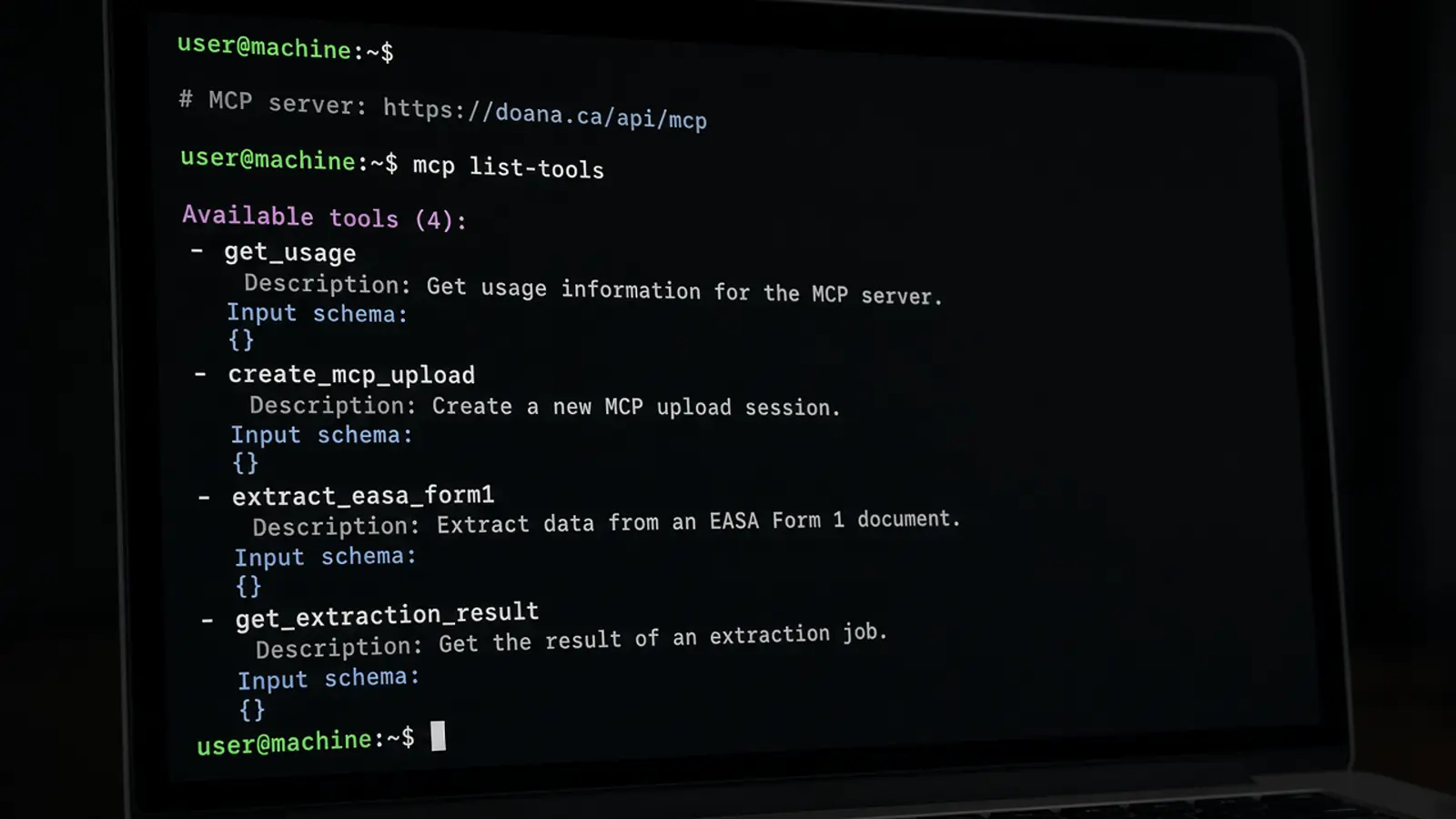
Codex can prototype the upload and extraction flow. It cannot authorize clearance, booking or airworthiness just because it can read a Form 1 from disk. Keep the document on disk until the agent sends its bytes through a supported Doana input.
The CLI commands, the file-byte contract, and the failure codes a prototype should surface are below. Registration flags can change with Codex versions; confirm them against current OpenAI Codex MCP documentation before you paste those commands.
Public catalog as of 12 September 2026: extract_easa_form1 only.
Register Doana in the Codex CLI
In a Codex CLI environment with MCP support, add Doana and start OAuth login. Complete the browser authorization and confirm the server is connected. Consult the current Codex documentation if login requires additional authorization-server configuration beyond add and login commands.
The commands below are the starting path. They do not replace the client’s own flags if your version differs. After list succeeds, confirm extract_easa_form1 is visible to the agent. Then call get_usage so a prototype does not spend the UTC week on the first five PDFs without a reviewer ready.
codex mcp add doana --url https://doana.ca/api/mcp
codex mcp login doana
codex mcp listSend file bytes
Read the original file. Do not rasterize or re-encode it. For up to 64 KiB, pass content_base64. For a larger PDF (up to 50 MB and 20 pages) or a JPEG/PNG up to 20 MB, call create_mcp_upload, PUT raw bytes with required_headers before expires_at, then extract with upload_id.
If Codex cannot make the PUT, open browser_upload_url while signed in to Doana. Pass exactly one source. file://, data:, gs:// and arbitrary https URLs are rejected. TIFF is still UNSUPPORTED_FILE_TYPE, so export a PDF, JPEG or PNG first instead of retrying TIFF.
Failure codes to surface
Show MCP_QUOTA_EXHAUSTED with the period end, FILE_TOO_LARGE, TOO_MANY_PAGES, UNSUPPORTED_FILE_TYPE, INVALID_CONTENT_BASE64 and FILE_SOURCE_REQUIRED. Do not retry TOO_MANY_PAGES with the same PDF. Do not start a second job while status is dispatch_pending, queued, running or outcome_unknown; poll get_extraction_result with job_id instead. Surface lastError on failed_refundable or failed_charged.
documentType unknown is usually a succeeded job with no Form 1, not a failure code and not lastError. Import only when status is succeeded, documentType is easa_form_1 and result is present. Show uncertainFields before any downstream action. Empty release13 with filled release14 is expected for many maintenance Form 1 files.
Codex cannot authorize clearance
Codex cannot clear a shipment, submit a customs entry, book freight, or treat extraction confidence as a release. Instructions embedded in a certificate must not alter what the agent is authorized to do. Keep those permissions in your application roles, not in the prompt.
Ask Codex to record job_id, compare identifiers with your receiving record, and stop at review. For an internal agent beyond the CLI, use the customs API design page. There is no public FAA tool and no REST /extract.