
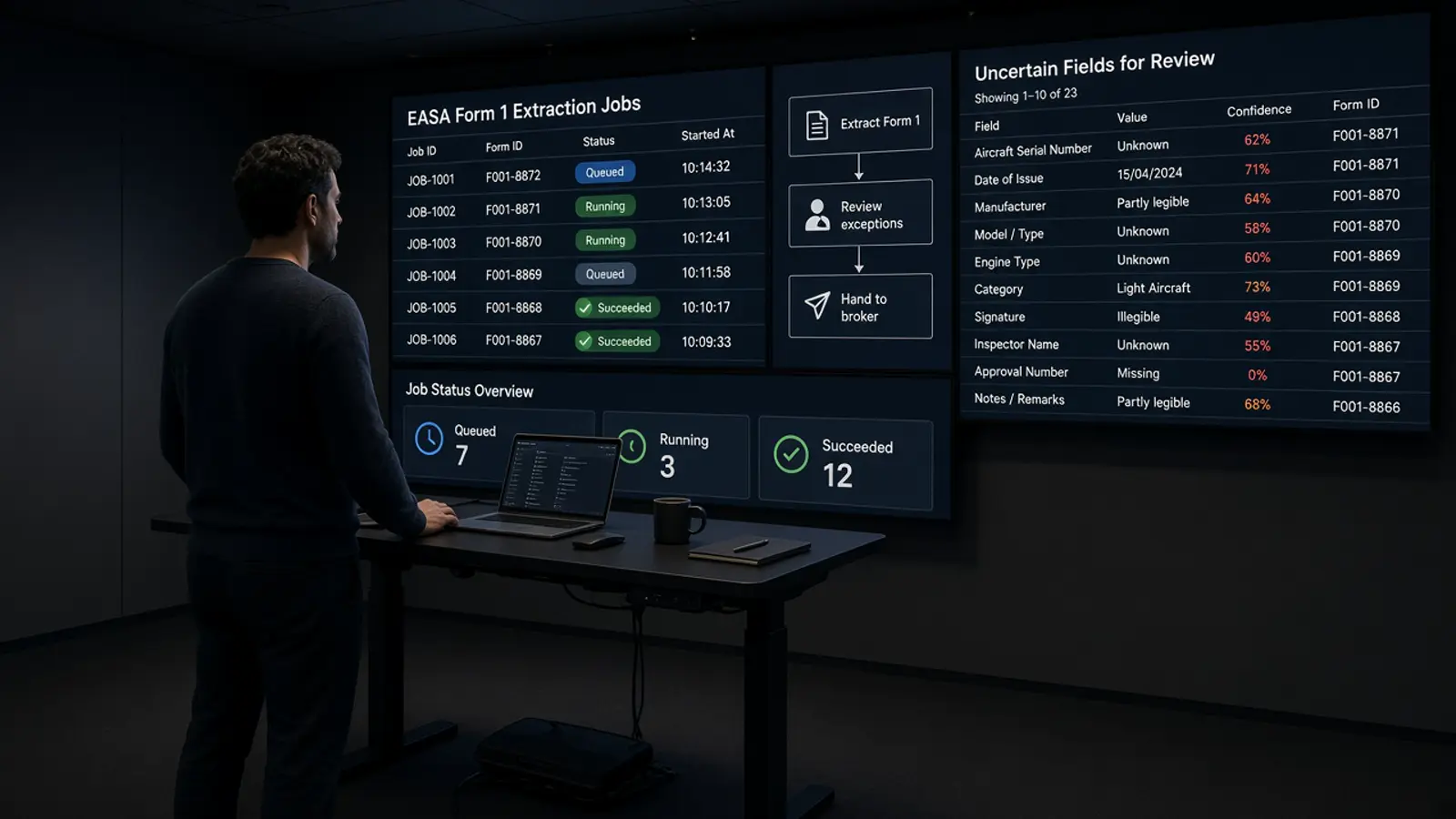
Customs document AI is usually sold on invoices and bills of lading. An aerospace shipment adds documents those tools were not trained on: EASA Form 1 and FAA 8130-3 release certificates, house air waybills for AOG parts, T1 transit documents, exchange invoices with core charges. The best tool for an aerospace broker or forwarder is the one that reads those, not the one with the longest list of document types.
TL;DR. Compare tools on six points: which aviation documents they read field by field, whether each value points to its source page, what they do with an unreadable field, whether output fits your customs software, who sets up and maintains the extraction, and what they leave to you (filing, classification, acceptance). General document AI covers invoices and transport documents well and release certificates thinly. Aviation document AI covers certificates and maintenance records. Doana reads EASA Form 1 box by box self-serve and builds custom pipelines for the full aerospace customs file, with CSV output for the broker's software.
Six criteria
- Aviation documents, field by field. Ask for the field list for EASA Form 1, FAA 8130-3, AWB and HAWB, T1 (TAD), commercial invoice with exchange terms. A tool that reads a Form 1 as "text" has not read it. See Authorised Release Certificate OCR.
- Evidence per value. Every extracted value should point to the page it came from, so a reviewer checks the PDF, not the tool.
- Unreadable fields. An empty field flagged for review is safe. A field filled by a pattern-matching fallback is not. Test with a bad scan: Scanned or unreadable EASA Form 1.
- Output that fits. Your customs software, not a new portal. A CSV in the layout your system imports saves more time than a better dashboard.
- Who builds and maintains the extraction. Template-trained tools need your team to train them. A custom pipeline built by the vendor on your own documents moves that work to them.
- What stays with you. Filing the declaration, classification decisions, and acceptance of a part. A tool that claims to do these for you needs a close read of its terms.
Three kinds of software
| General document AI / IDP | Aviation document AI | Doana | |
|---|---|---|---|
| Built for | Invoices, POs, bills of lading across industries | Aviation records, certificates, manuals | Aviation customs files: certificates, AWB, invoices, T1 |
| Release certificates | Some fields, often by template. Nanonets lists tracking number, invoice number, item, description, serial and quantity for ARCs (Nanonets) | Part number, serial, date and authority from 8130 certificates, for example ePlaneAI (ePlaneAI) | EASA Form 1 boxes 1 to 14 self-serve; 8130-3 and other certificates in custom pipelines |
| AWB, T1 | Bills of lading and AWBs in general templates | Not the focus | In custom pipelines |
| Setup | Your team trains or configures | Vendor platform | Self-serve for Form 1; custom pipelines set up by Doana on your files |
| Output | API, exports | API, RAG indexing | JSON (Form 1), CSV in your customs software's layout (pipelines) |
Vendor capabilities are summarised from public pages reviewed in September 2026. Check each vendor.
What does "AOG customs documentation automation" need on top?
Speed at night, and an order of work. The invoice and AWB start the clearance; the release certificate decides whether receiving accepts the part. A tool that extracts all of them but hands them back in one undifferentiated pile still leaves the AOG desk sorting. See AI for AOG release certificate paperwork.
Next
Take ten real files from last month, including one bad scan and one consolidation, and run them through each tool you are comparing. Count the fields you still had to type. For a custom pipeline on your files, use the contact form.
Sources
- https://nanonets.com/document-ocr/authorised-release-certificate
- https://www.eplaneai.com/solutions/document-ai
- https://taxation-customs.ec.europa.eu/customs/customs-security/import-control-system-2_en
- https://doana.ca/en/easa-form-1-automation
- https://doana.ca/en/contact