
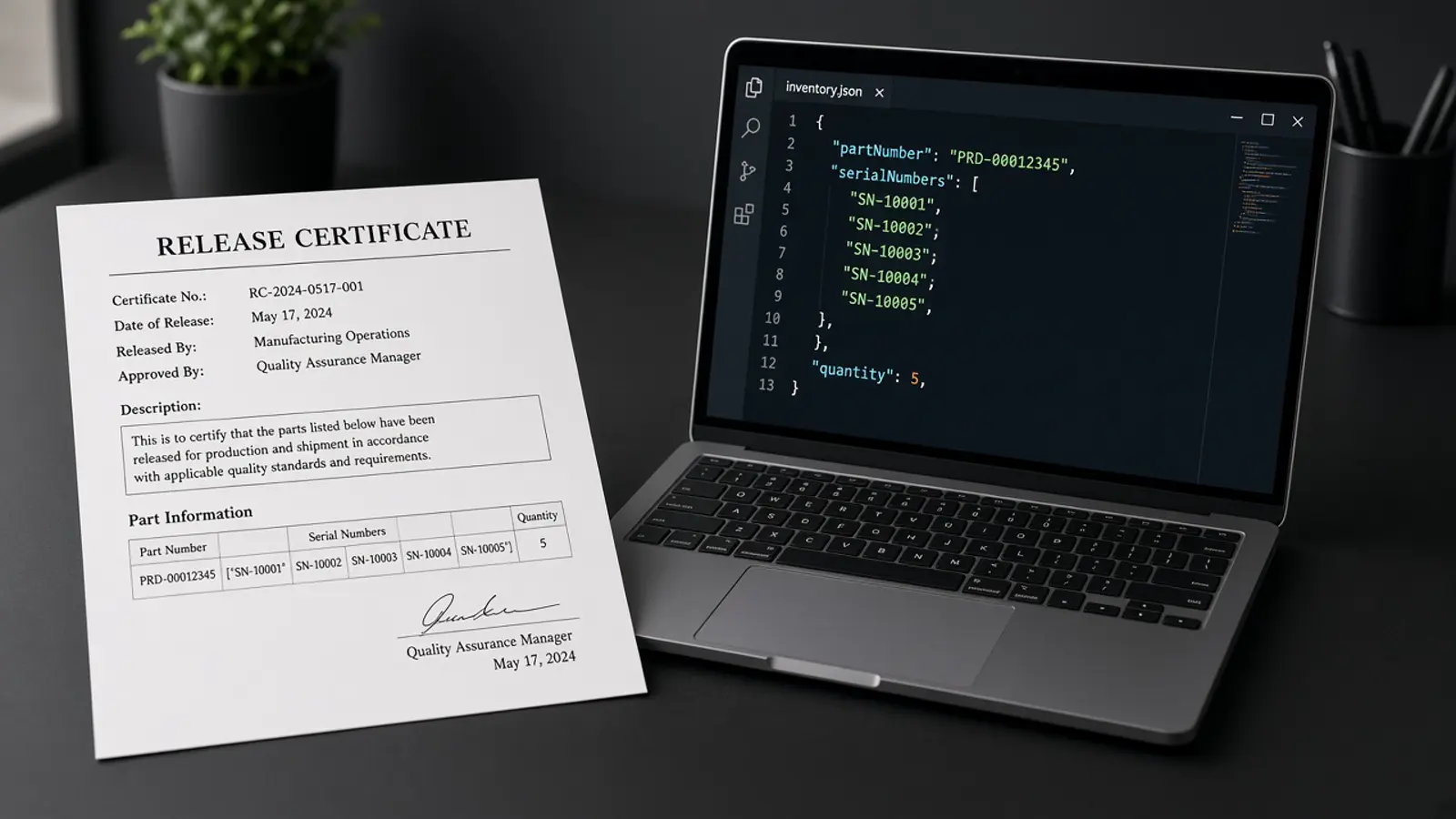
The AOG part is on a flight, and the Form 1 arrived as a phone photo of a carbon copy with a stamp across Block 10. OCR can read some of it. For the rest, a tool either leaves the box empty and tells you, or fills it with something that looks right.
TL;DR. Unreadable boxes come from low resolution, skew, stamps and signatures over text, handwriting in Block 12, and faded copies. A safe extractor returns an empty value for a box it cannot read and flags low-confidence values for review. Doana does both, and returns documentType: unknown when the scan is too degraded to identify the form at all. The fix is upstream: ask the supplier for the original PDF before the part leaves.
What makes a Form 1 box unreadable?
| Cause | Boxes usually affected | What you see |
|---|---|---|
| Low-resolution scan or fax | Blocks 8 and 10 (small characters, dashes) | 0 and O, 1 and I, missing dash numbers |
| Skewed or cropped phone photo | Edge blocks: 1, 3, 12 | Truncated tracking number, lost remarks |
| Stamp or signature over printed text | 13 and 14, sometimes 10 | Approval reference or serial hidden |
| Handwritten Block 12 | 12 | Partial remarks, low confidence |
| Faded carbon or third-generation copy | All | Uniformly low confidence |
| "See attached" in Block 12 with the attachment missing | 12 | Nothing to extract |
How should OCR report what it cannot read?
It should return an empty value and flag the box. A pattern-matching fallback that always produces a serial number gives you a value you will not check, because it looks complete.
In Doana's easa-form-1-v1 result:
- A blank, N/A or unreadable box returns
value: "". - Every non-empty value has a confidence score from 0 to 1 and the page it was read from.
- Values under 0.7 are listed in
uncertainFields, so the reviewer checks only those against the scan. - If the page is too degraded to tell whether it is a Form 1, the result is
documentType: unknown.
Confidence sorts the review. It does not prove a value is correct. A high-confidence serial on a bad scan still deserves a look when it will go into a customs line.
Which files does Doana accept?
PDF up to 50 MB and 20 pages, JPEG or PNG up to 20 MB. TIFF is rejected; export it to PDF or PNG first. Send only the certificate pages, flat and full-page.
What should you ask the supplier for?
Before the part ships, not after it lands:
- The original PDF of the certificate, not a scan of a printout. Electronic Form 1 exists, and printed copies of one are watermarked "PRINTED FROM ELECTRONIC FILE" (How to fill EASA Form 1).
- Every page, including any continuation sheet referenced in Block 12.
- A legible serial. If Block 10 is under a stamp, ask for a clean copy now. A corrected certificate needs a new tracking number, which takes longer than a rescan.
For AOG sourcing, put "legible PDF of the release certificate with the quote" in the RFQ. It costs the seller nothing.
Next
Check a sample of last month's certificates: how many had an unreadable Block 8 or 10? That number is your case for asking suppliers for PDFs. Box-by-box extraction: Authorised Release Certificate OCR. Getting files out of email: Extract EASA Form 1 from Outlook.
Sources
- https://www.easa.europa.eu/en/faq/19466
- https://www.qcm.ch/wp-content/uploads/EASA-FORM1-COMPLETION-REV05-020620.pdf
- https://doana.ca/en/easa-form-1-automation
- https://doana.ca/en/mcp/easa-form-1